Batch-sign PDFs on Mac, iPad, and iPhone.
Set the signature spot once. Drop the stack. Review every placement. Sign the batch.
No account. No subscription. No server.
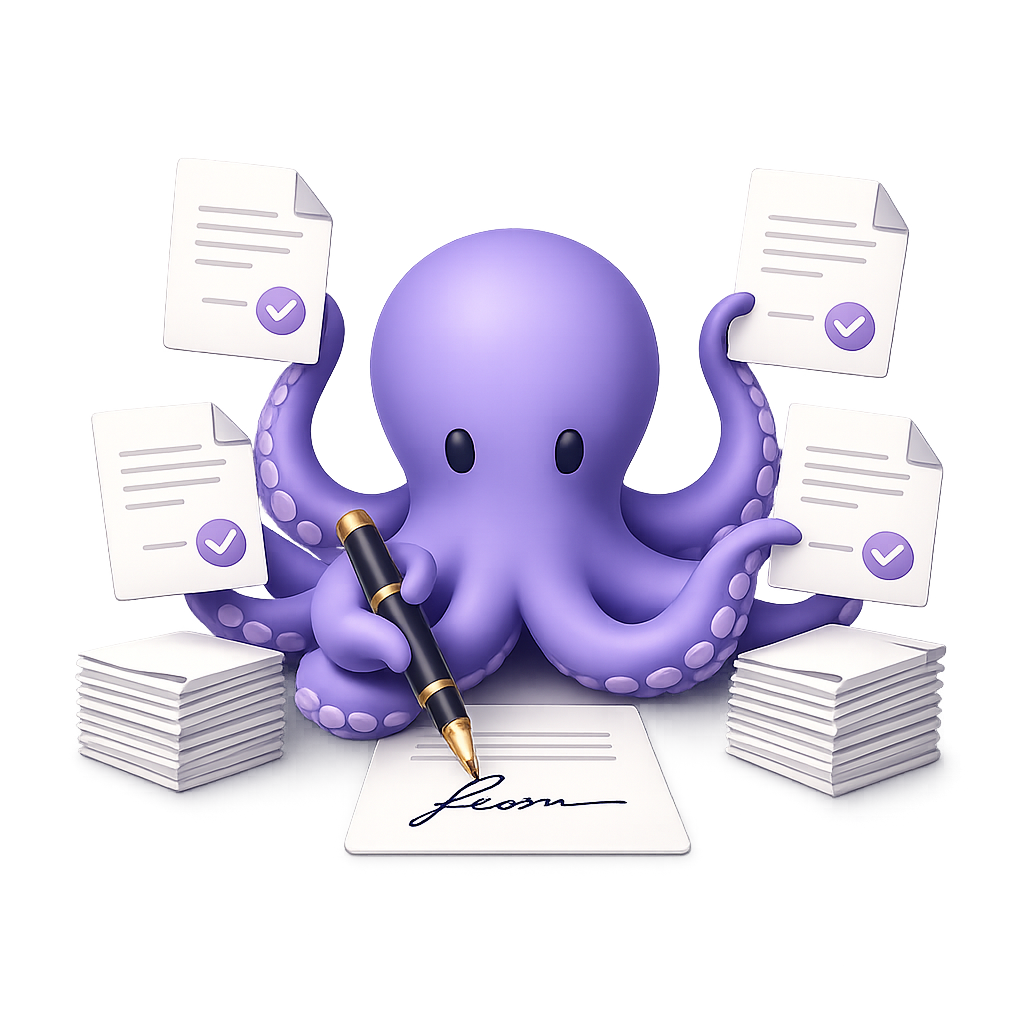
Set the spot once. It signs the whole stack.
Live demo — Add documents to see each file auto-matched to a template, then sign the batch. Nothing leaves this page.
Three steps. No ceremony.
How it worksShow it where you sign
Place your signature once on a template. The app remembers the exact spot on every matching page.
Drop the stack
Add as many PDFs as you like — one form or two hundred. Each file is matched to the right template automatically, so the signature lands in the right spot. No uploads, no waiting.
Review, then go
Check placement across the batch, then generate cryptographically sealed signed PDFs in one pass.
Real signatures. Not just pictures of one.
Every signed PDF is cryptographically sealed. If the file changes afterward, the signature breaks — and standard PDF readers show that the document was altered.
Device-protected key
A key generated on your device signs offline. It uses Apple's Secure Enclave when available, with a Keychain-protected fallback.
Bring your own .p12
Import a certificate so signatures carry a verified identity recognized in Adobe Acrobat and beyond. For when the recipient needs to know exactly who signed.
Yours. On your devices. Offline by default.
iCloud sync
Templates and signatures follow you across every device, privately.
Preview first
See exactly where each signature lands before anything is written.
Offline by default
Signing happens on your device. Your documents never touch a server.
No account
No sign-up, no login, no email to use the app. Download and go.
Get notified when it is ready.
PDFBatchSigner is coming to Mac, iPad, and iPhone. Leave your email and we will send one launch notification when it becomes publicly downloadable.
You're on the launch list. We will notify this address when PDFBatchSigner is publicly available.
Free download · 200 signed documents included · optional $19.99 US lifetime unlock · no subscription